Setting up a PoKeys57CNC DB25 board here and one setting is stopping me cold.
I’m pairing it with Mach3. The manual says to switch on the fast USB interface before doing anything else, but that option is nowhere in the settings I can see.
For reference, I’m on PoKeys configuration software v4.8.2 running under Windows XP, so it is quite possible I have an older build than the manual was written against.
Anyone running this combination? I’d like to know if the option was moved somewhere else in the menus, or whether I need a newer version of the configuration tool to get it.
The fast USB toggle is not in the config tool where the manual puts it, that is the part catching you out. On 4.8.x it sits in the device selector rather than the settings tree, and on some builds it only shows up once the board is connected and enumerated. If you opened the tool with nothing plugged in, the whole group stays hidden, which reads exactly like the option was removed.
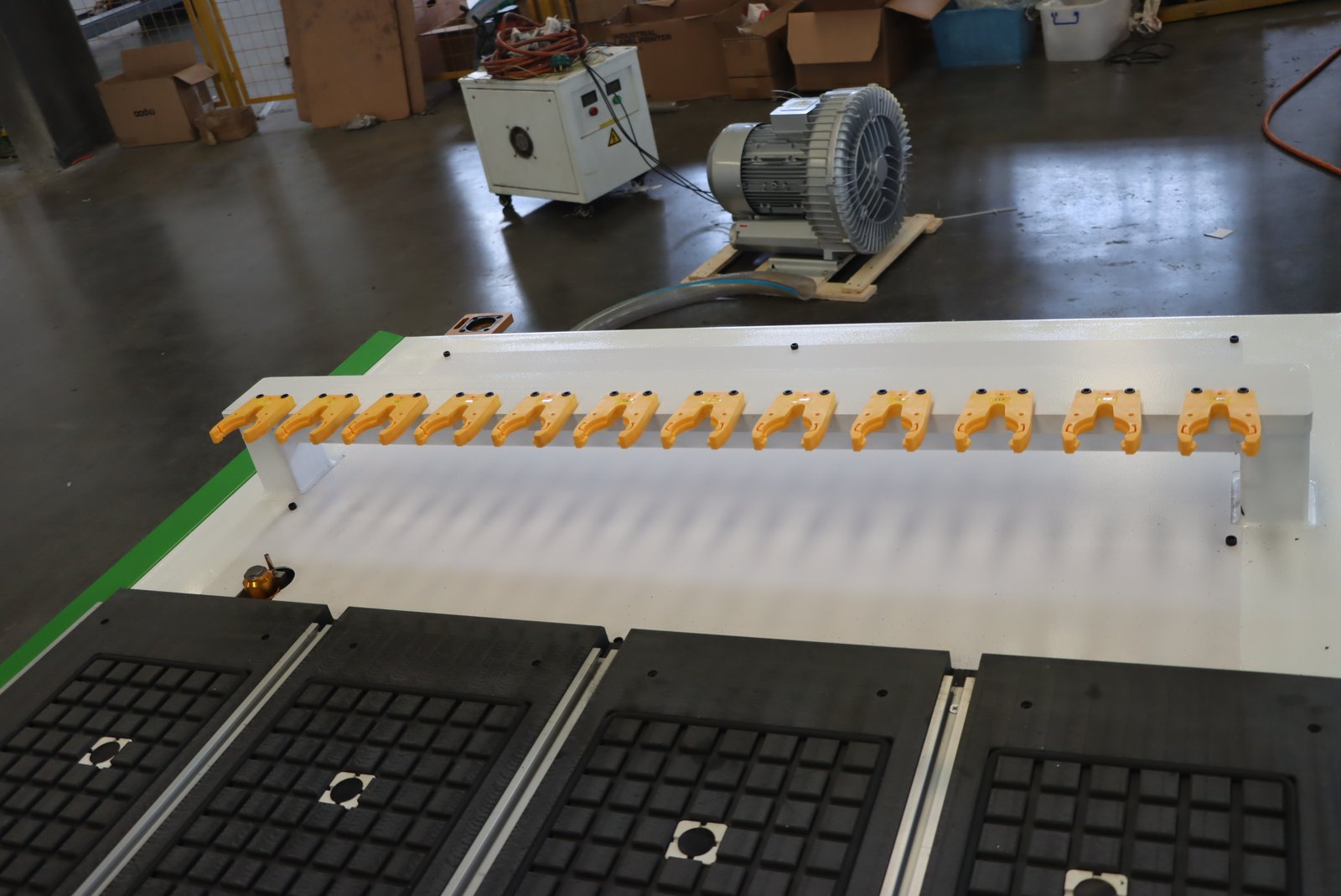
Check whether Mach3 is actually talking to it over USB or over the DB25 parallel side. On my RC1325L-ATC I ended up feeding the step and direction out through the ribbon and treating the USB as configuration only, because the two paths fight each other if you enable both.
For what it is worth, sort the noise side out before you tune anything. I spent a week chasing lost steps that turned out to be the dust shoe hose dragging on the gantry, not the pulse engine.
Sorry if this is obvious, but have you tried connecting the PoKeys board to the config software before opening the tool, to see if the option shows up? I have no clue about this setup.